Privacy and Data Visibility
lowFAT stores application, profile, workflow, and funding-related information for Fellows and staff workflows.
This page summarises which information is publicly visible and which information is restricted to authenticated users or administrative users.
Public Access
Public visitors can access:
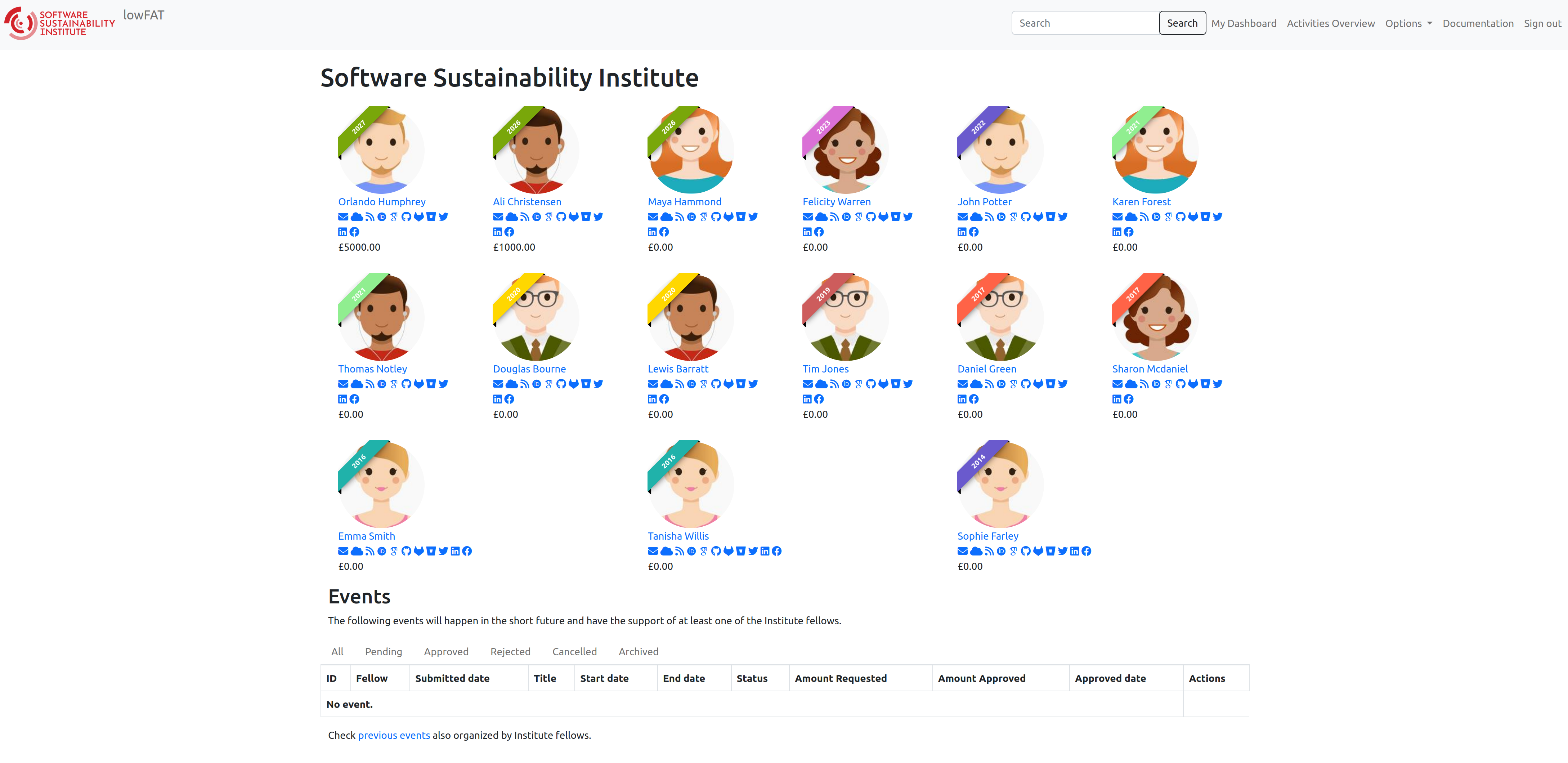
- the public list of Fellows,
- profile links for Fellows,
- approved public blog posts,
- and selected public funding-related information where appropriate.
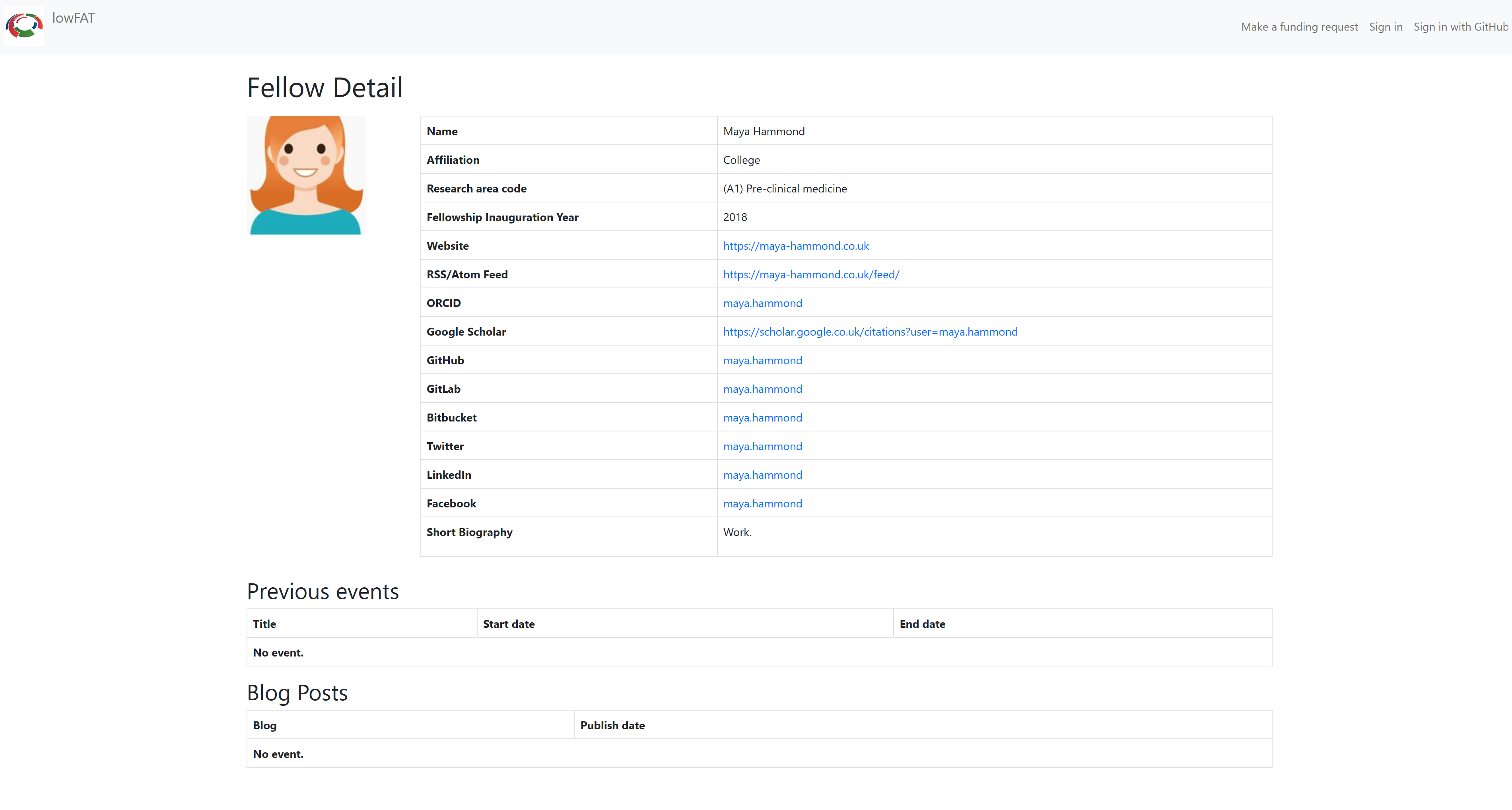
Public Fellow profiles may include:
- name,
- affiliation,
- research area,
- inauguration year,
- profile images,
- professional descriptions,
- and optional website, identifier, and social/profile links.
Examples of optional public links include:
- ORCID,
- Google Scholar,
- GitHub,
- GitLab,
- Bitbucket,
- LinkedIn,
- Twitter/X,
- Facebook,
- Bluesky,
- Mastodon,
- personal websites,
- and institutional websites.
Public users may also see approved funding requests after the relevant event or activity has completed, depending on workflow settings and visibility rules.

Public event-related pages may include:
- event names,
- dates,
- links,
- related blog posts,
- and associated public content.
Fellow Access
Authenticated Fellows have access to their own:
- profile information,
- funding requests,
- expense claims,
- blog submissions,
- uploaded documents,
- and workflow notifications.
Visibility and edit permissions depend on the current workflow status and the relevant view/template logic.
Staff Access
Staff users can review and process funding requests, expense claims, blog submissions, and related workflow information.
lowFAT currently relies mainly on Django staff and superuser status together with view logic, templates, and custom template filters to control visibility and access behaviour.
Administrative Access
Superusers and Django admin users have broader access through the Django admin interface.
This may include:
- user management,
- runtime configuration,
- workflow administration,
- Flat Pages,
- and other administrative tools.
When modifying templates, views, public routes, or profile fields, review carefully whether the change affects public visibility or authenticated-only information.